Google Nano Banana 2: Pro-Quality AI Images at Flash Speed
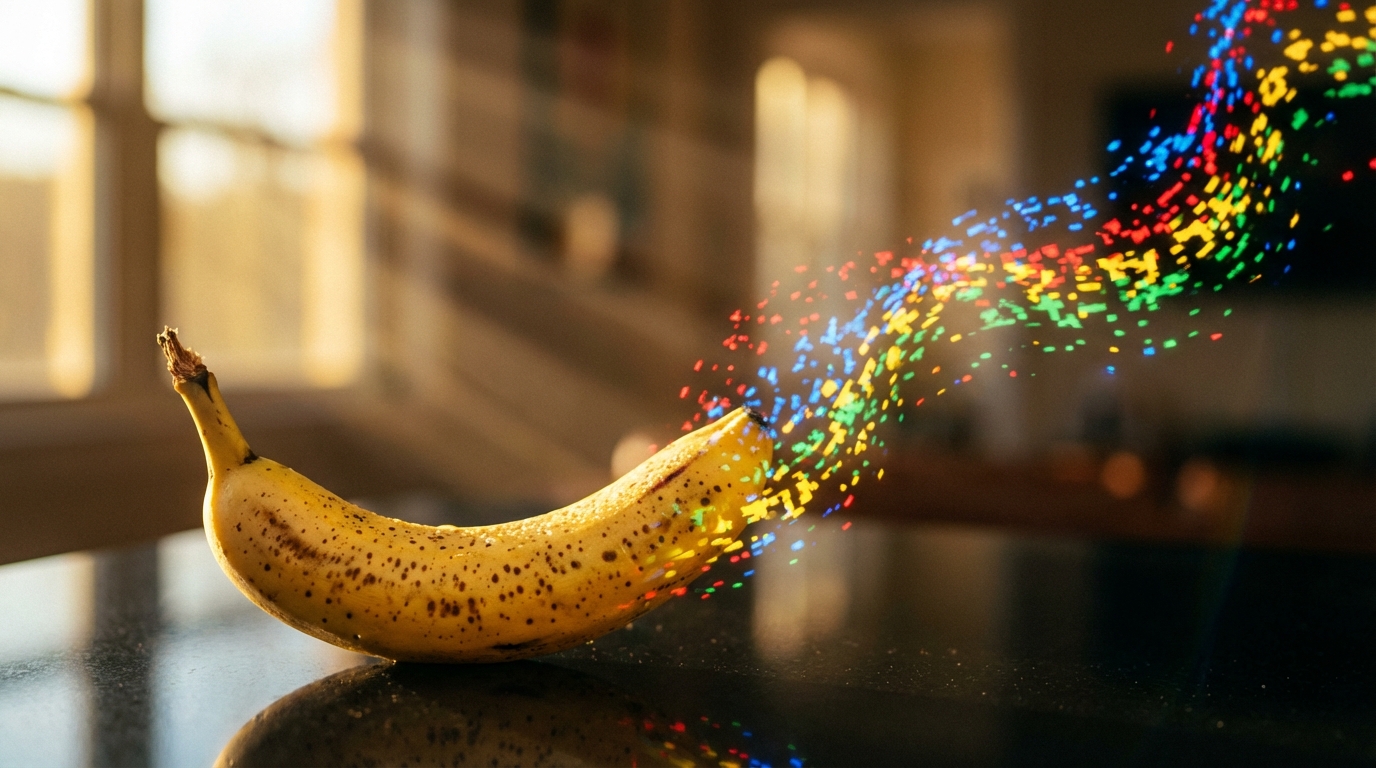
Generating professional-quality AI images used to mean choosing between two frustrating options: fast but mediocre, or stunning but slow and expensive. Google’s Nano Banana 2, launched on February 26, 2026, eliminates that tradeoff entirely. Built on the Gemini 3.1 Flash architecture, this model delivers what previously required premium-tier subscriptions – native 4K resolution, consistent multi-character rendering, crisp text, and real-time web-grounded accuracy – at speeds and price points that make high-volume production genuinely practical.
The impact is immediate and broad. Nano Banana 2 now serves as the default image generation model across the Gemini app’s Fast, Thinking, and Pro modes, and it’s rolling out across Google Search AI Mode, Google Lens, AI Studio, Google Ads, and developer APIs. For the millions of users and developers who interact with these products daily, the quality ceiling just rose dramatically without any increase in cost.
What Nano Banana 2 Actually Is
The naming can be confusing, so here’s the lineage. The original Nano Banana was Google’s Gemini 2.5 Flash Image model – fast and affordable, but with a visible quality gap compared to higher-tier options. Nano Banana Pro followed, offering studio-quality creative control and advanced intelligence at the expense of speed. Nano Banana 2, technically Gemini 3.1 Flash Image, merges the strengths of both predecessors into a single model that inherits a full generation of architectural improvements in reasoning, world knowledge, and output sharpness.
The result sits in a strategic sweet spot. It matches most of Nano Banana Pro’s capabilities while retaining the speed and cost advantages of the Flash tier. Nano Banana Pro remains available for Google AI Pro and Ultra subscribers who need absolute maximum fidelity – think 8K output or the most complex multi-subject compositions – but for the vast majority of workflows, Nano Banana 2 is now the recommended choice.
Technical Specifications and What They Mean in Practice
Raw specs tell the story of a model designed for real production work, not just demos.
| Feature | Specification | Practical Impact |
|---|---|---|
| Resolution Tiers | 512px, 1K, 2K, 4K | Generate quick previews at low resolution, regenerate winners at 4K using the same prompt |
| Aspect Ratios | 1:1, 2:3, 3:2, 3:4, 4:3, 4:5, 5:4, 9:16, 16:9, 21:9, plus new 4:1, 1:4, 8:1, 1:8 | Covers everything from square social posts to ultrawide banners |
| Character Consistency | Up to 5 characters per scene | Storyboarding and campaign work without characters changing appearance |
| Object Fidelity | Up to 14 objects per generation | Complex scenes maintain detail across all elements |
| Reference Images | Up to 10 for objects, up to 4 for character identity | Precise control over visual continuity across multiple outputs |
| Text Rendering | Crisp, legible, multi-language with in-image translation | Marketing mockups, menus, UI mockups, infographics with accurate text |
| Search Grounding | Real-time Google Search and Image Search integration | Generates images reflecting current products, events, and real-world references |
The new 512px resolution tier deserves particular attention. It’s specifically optimized for rapid-fire iterations and heavy-duty pipelines where you’re exploring ideas, not producing final assets. Starting at 512px for concept exploration and then scaling to 4K for production output – without changing your prompt – creates a workflow that’s both faster and more cost-efficient than generating at full resolution every time.
Search Grounding: The Feature That Changes Everything
Nano Banana 2 is the first Flash-tier model to support Google Search grounding, including Google Image Search. This isn’t a minor addition – it fundamentally changes what the model can do.
When you prompt for a specific product, a real-world location, or a trending topic, the model doesn’t guess based on training data alone. It verifies facts and pulls real-time visual references before generating. A prompt asking for a specific sneaker model in a particular colorway will produce something that actually looks like that sneaker, not a vaguely similar shoe. A request for a visualization of a current news event draws on up-to-date information rather than stale training data.
This capability extends to infographics, diagrams, and data visualizations. The model leverages Gemini’s real-world knowledge base to create visual representations of information that are grounded in actual data, making it a genuinely useful tool for educational content, presentations, and marketing materials that need to reference real things accurately.
How to Start Generating Images
Getting started is straightforward whether you’re a casual user or a developer building production applications.
In the Gemini App
Click the Tools button, then select Create Images (marked with a banana icon). Type your description and click Submit. You can select between Fast, Thinking, or Pro modes from the model menu. Google AI Pro and Ultra subscribers can regenerate images with Nano Banana Pro by selecting the three-dot menu and choosing “Remake with Pro.”
Via the Python API
For programmatic access, the model is available through the Gemini API in Google AI Studio and Vertex AI. Here’s the basic pattern for text-to-image generation with resolution and aspect ratio control:
from google import genaifrom google.genai import types
client = genai.Client()
response = client.models.generate_content( model="gemini-3.1-flash-image-preview", contents=[prompt], config=types.GenerateContentConfig( response_modalities=['TEXT', 'IMAGE'], image_config=types.ImageConfig( aspect_ratio="16:9", image_size="2K" ), ))
A paid API key is required for AI Studio usage. Third-party platforms like WaveSpeedAI also offer Nano Banana 2 via their own APIs, using model identifiers like google/nano-banana-2/text-to-image for generation and google/nano-banana-2/edit for editing tasks.
Advanced Image Merging
Nano Banana 2 supports merging up to 8 images into a single composition. Upload multiple photos and use text prompts to blend them – combining different outfits, backgrounds, or character poses into one cohesive image. This is particularly powerful for product photography, fashion concepts, and composite scenes.
Prompting Strategies That Actually Work
The difference between a mediocre output and a production-ready image often comes down to prompt construction. Here are the techniques that matter most.
- Be specific, not generic. “A cat” produces mediocre results. “A tabby cat napping in a sunbeam on a wooden windowsill, warm afternoon light, shallow depth of field, photorealistic” gives the model enough to work with.
- Specify resolution explicitly. Include your desired output in the prompt or configuration: “Generate in 4K with 16:9 aspect ratio.”
- Use reference images for consistency. Upload 4 or more reference images when maintaining character or object identity across multiple generations. Assign distinct names to each character in your prompt so the model can track them.
- Leverage web grounding. For real products or locations, prompt with specific names: “Render [real product name] in [style], grounded in current web data.”
- Enclose desired text in quotes. When you need text rendered in an image, put it in quotation marks and describe the typography: “bold sans-serif font” or “neon cursive signage.”
- Request multiple variations. Ask for “three distinct variations of a product mockup” or “four different color palettes” to compare ideas side-by-side in a single generation.
For complex prompts requiring spatial reasoning or multi-step composition, enable the model’s thinking mode. Nano Banana 2 can generate interim compositions to test layout and logic before producing the final output, which significantly improves first-attempt quality on complicated scenes. You can configure thinking levels between Minimal (the default) and High/Dynamic depending on prompt complexity.
Choosing the Right Model for Your Workflow
Google now offers a full lineup, and picking the right tool matters for both quality and efficiency.
| Model | Best For | Max Resolution | Speed |
|---|---|---|---|
| Nano Banana 2 Text-to-Image | Fast, high-quality generation with 4K and search grounding | 4K | Very fast |
| Nano Banana 2 Edit | Image editing with advanced reasoning | 4K | Very fast |
| Nano Banana Pro Text-to-Image | Maximum quality generation for hero assets | 4K | Moderate |
| Nano Banana Pro Ultra | Ultra-high resolution output | 8K | Slower |
| Nano Banana Pro Edit | Professional image editing | 4K | Moderate |
The decision framework is simple. Use Nano Banana 2 for scaling high-quality generation in e-commerce, print, and display work. Use it when you need text accuracy, search-grounded realism, or multi-image consistency with up to 5 characters across campaign assets. Use it for API-driven applications where fast turnaround matters. Reserve Nano Banana Pro only when you need absolute maximum fidelity, 8K output, or the most complex compositions where every last detail matters.
Common Mistakes to Avoid
Even with a capable model, certain patterns consistently produce disappointing results.
Vague prompts top the list. Generic descriptions leave too much to interpretation. The more detail you provide about style, setting, lighting, mood, and composition, the closer the output matches your vision. Think of it as directing a photographer – you wouldn’t just say “take a picture of a person.”
Ignoring the resolution workflow wastes time and money. Not every iteration needs 4K. Start at 512px or 1K for concept exploration, iterate on composition and style at lower resolutions, then regenerate your best results at 4K for final production. This approach is dramatically more efficient than generating everything at maximum resolution.
Neglecting reference images for consistency. If you’re building a campaign or storyboard with recurring characters, skipping reference image uploads means the model has to guess at consistency. Upload clear references and explicitly name characters in your prompts to maintain visual coherence across generations.
Regenerating from scratch instead of editing. When you have an image that’s 80% right, use text-based editing to refine it progressively rather than starting over. This preserves the elements you want to keep while fixing what you don’t.
Safety, Provenance, and Authenticity
Every image generated by Nano Banana 2 carries built-in provenance markers. Google couples its SynthID invisible watermarking technology with interoperable C2PA Content Credentials, providing a layered approach to identifying AI-generated content. Since its launch, the SynthID verification feature in the Gemini app has been used over 20 million times across various languages to help people identify Google AI-generated images, video, and audio.
You can verify whether an image was generated by Google AI by uploading it to the Gemini app and asking directly. C2PA verification is also coming to the Gemini app soon, adding another layer of transparency as regulatory bodies worldwide increasingly examine AI-generated content disclosure requirements.
What This Means Going Forward
Nano Banana 2 represents more than an incremental model update. It signals a structural shift in how AI image generation is priced and distributed. By collapsing the quality gap between consumer and enterprise-grade models, Google is normalizing AI-native visual workflows in the same way cloud storage transitioned from premium feature to baseline expectation.
The model is available for free through the Gemini app with no paid tier required to experiment. The free plan includes sufficient usage for substantial testing and prototyping. For developers, it’s accessible through AI Studio and the Gemini API with paid keys, through Vertex AI for enterprise deployment, and through Google Antigravity and Firebase. It’s also the new default image generation model in Flow, available to all Flow users for zero credits.
For anyone producing visual content at scale – whether that’s e-commerce product imagery, marketing campaigns, social media content, or application interfaces – Nano Banana 2 establishes a new baseline. The question is no longer whether AI image generation is good enough for production use. It’s how quickly you can integrate it into your existing workflows.
Sources
- Google DeepMind: Nano Banana Prompt Guide
- Gemini: Nano Banana 2 Image Generation Overview
- Google Blog: Nano Banana 2 Announcement
- Google Blog: Build with Nano Banana 2 for Developers
- WaveSpeedAI: Nano Banana 2 Technical Overview
- How to Generate 4K Images with Nano Banana 2
- Nano Banana Tutorial: Generate and Refine Images
- How To Use Nano Banana 2 for AI Image Generation